Cloud practice
Before You Start an AWS Lab: A Cost and Cleanup Checklist
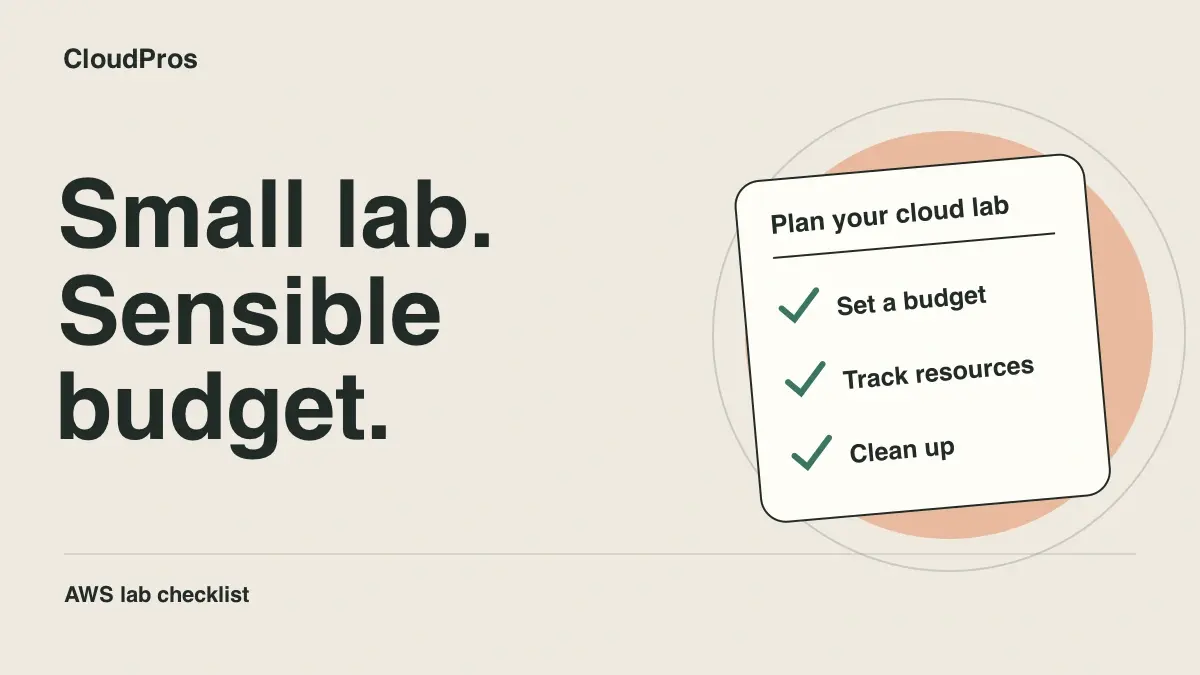
A learning lab needs an end as well as a beginning. Before creating resources, decide what you intend to build, which services it needs, and how you will remove it. A tutorial’s architecture can keep generating charges after you close the browser.
This checklist focuses on habits rather than a price estimate. Charges depend on the current service pricing, region, configuration, usage, and the terms that apply to your account.
Write a small resource inventory
List the resources the exercise expects to create. Include supporting services such as storage, public IP addresses, load balancers, logs, snapshots, and data transfer where applicable. Do not assume that stopping the main compute instance removes everything associated with it.
Record the account and region used for the exercise. Consistent lab names and tags make resources easier to identify later, though not every resource or charge can be discovered through one tag filter.
Set up alerts before you experiment
Use AWS Budgets to define a cost budget and notification thresholds that suit your own limit. Verify the notification recipients and any subscription confirmation required by the delivery method.
A budget alert is not an automatic spending cap. Billing data and notifications can be delayed. Do not rely on an email arriving before every additional charge, and do not assume a free-tier label applies to every service or configuration in a tutorial.
Keep the first lab small
Choose the smallest architecture that demonstrates the concept you are learning. For a container exercise, a local runtime may be enough. For cloud networking, build only the resources needed to investigate that networking behaviour.
Before launching a service, review its current pricing page and the settings that affect cost. Some services have separate charges for capacity, storage, requests, data processing, and transfer. Document the assumptions behind your plan so you can compare them with actual usage.
Plan teardown while the design is fresh
Add a cleanup section to the project README before the first deployment. It should identify the infrastructure tool, relevant environment, resource dependencies, and any data you want to retain.
If you use Infrastructure as Code, review the proposed deletion plan carefully. A destroy command is consequential: confirm the account and environment, and check that the managed resources belong to the lab. This guide does not require running it against an existing account.
For a manually created lab, use the inventory as a checklist. Look for retained storage, snapshots, addresses, and other dependent resources after removing the main workload. Keep only what you deliberately need.
Verify after the lab ends
Revisit the relevant service consoles and your billing tools after teardown. Cost information can arrive later, so make a follow-up check part of the exercise. Compare any remaining charge with your inventory instead of assuming deletion failed or billing is wrong.
Record what you created, what you removed, and what you intentionally retained. That closing note is also useful portfolio evidence: it shows that you considered operation and cost, not just successful deployment.
Build the habit into every project
A good lab brief has a purpose, a scope, a budget assumption, and a cleanup procedure. Reuse that structure as you progress from AWS foundations to pipelines and infrastructure projects. For a connected sequence of exercises, explore the DevOps curriculum.
CloudPros editorial team
Practical guides to DevOps, cloud engineering, and the work behind reliable software delivery.