Cloud Computing
The future of cloud computing: skills behind AI applications
AI adds new workloads to cloud computing: model-powered applications need compute, storage, networks, access control, deployment and monitoring. Cloud engineers and DevOps teams apply those foundations whether an application calls a managed model API or runs its own model service. Learning to build and operate an application is a useful starting point for this work.
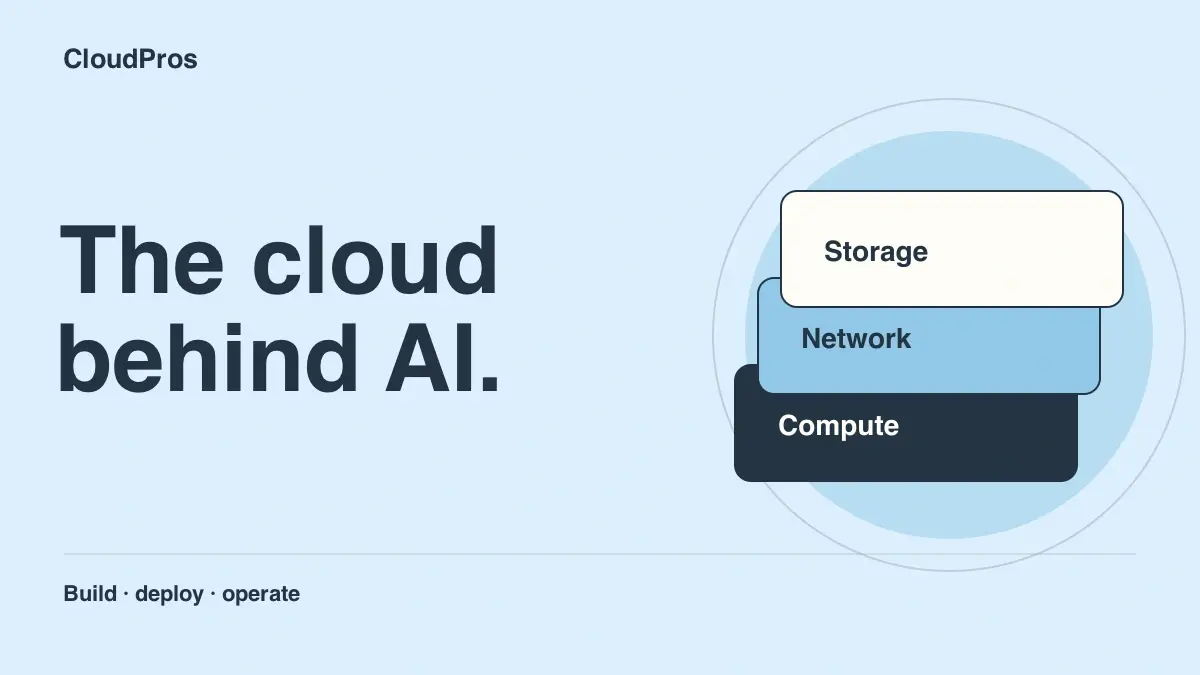
A useful AI application is more than a model response. It has users, credentials, data, release processes and bills. When it slows down or stops working, the team needs to understand where the request failed and how to recover.
That makes cloud computing a practical place to start if you want to work on the systems behind AI. You can learn to deploy and operate applications, then apply those skills to increasingly complex workloads.
Why does AI need cloud engineering?
Consider a document assistant used by a small team. The application authenticates the user, retrieves the right information, calls a model and returns a response. Each step creates engineering work: who can access the documents, how the service is deployed, how errors are handled and how usage is measured.
AWS's Generative AI Lens, published in November 2025, applies operational excellence, security, reliability, performance, cost and sustainability principles to generative AI systems. These familiar cloud concerns remain part of the design as the application changes.
For a learner, that is an encouraging connection. Linux, networking, Python, containers and cloud access controls give you useful ways into AI infrastructure work.
Two common ways to run an AI application
A managed model API lets your application send requests to a model operated by a provider. A self-hosted model service gives your team more responsibility for the environment that serves the model. Both need an application around them.
Authentication · validation · request limits
The provider runs model serving. You manage the application, access, usage and response handling.
Your team also manages the serving environment, model versions, compute capacity and scaling.


Deployment · permissions · monitoring · recovery · cost control
Use a managed model API
This is a useful starting point for a learning project. Your application handles authentication, request validation and access to its data, then calls the model service.
You manage provider credentials or service identity, request limits, timeouts, retries and usage monitoring. You also decide how the application responds when the provider is unavailable. The provider handles the model-serving infrastructure, which lets you practise application operations without first managing GPU capacity.
Host the model service
In this approach, the team also looks after model artefacts, the serving runtime, capacity and deployment of model versions. Some models can run on CPUs; others need GPUs to meet the workload's performance requirements.
There is more operational detail to learn: loading models, measuring inference performance, controlling resource use and rolling out versions. You can progress towards this work after building confidence with a smaller application. Our AI infrastructure guide explains the wider system.
Which cloud skills become useful in AI projects?
| Skill | How it applies to an AI application | What you can practise |
|---|---|---|
| Linux and containers | Package and run the application or model-serving process | Build a container, inspect logs and restart a failed process |
| Networking | Connect users, services, data stores and model endpoints | Trace a failed request and distinguish a DNS issue from a timeout |
| Identity and permissions | Control who can call a service or read a document | Test allowed and denied requests for a sample user or service |
| CI/CD and infrastructure as code | Recreate environments and release known versions | Deploy the same tested application version through a pipeline |
| Monitoring and reliability | Understand errors, latency and dependency failures | Create a dashboard and test a provider-unavailable response |
| Cost management | Track model calls, infrastructure use and retained data | Set usage limits, review spend and remove unused lab resources |
These skills also apply to web applications, internal tools and APIs. Learning the foundations gives you several directions to develop in.
Project one: a small cloud application with an AI feature
Build a service that summarises a short piece of sample text. Begin with a mock model endpoint so you can test the application without making paid calls. Keep the input synthetic and add a maximum request size.
Deploy the application in a cloud lab. Add authentication, store any provider credential outside source control and set a timeout for the model request. When the provider is unavailable, return a clear temporary-error response rather than leaving the request hanging.
Once the application works, add a small set of test cases. Check that invalid input is rejected, access controls work and upstream failures are handled. Application health and response quality are different questions, so keep examples that let you assess the usefulness of a response as well as whether the service returned one.
Your portfolio evidence: a diagram, working deployment instructions, tests, an explanation of credential handling and a short record of a failure you investigated.
Project two: add a controlled release process
Take the same application and automate its release. Run tests, build a container and deploy a specific image version. Store the environment configuration in Terraform so you can recreate the resources.
Add a health check, then practise releasing a small change. Record the deployed commit and image version. Introduce a controlled fault in the lab and restore the previous working release. Explain what the automation checked and what you checked yourself.
This is cloud and DevOps work applied to an AI application. Our guide to AI and the DevOps role walks through the checks behind a dependable release.
Project three: make cost and reliability visible
Give the service a basic dashboard with request count, error rate and response time. For model calls, track the provider's available usage measures and compare them with the workload you generated.
Set request limits and bounded retries so one failure does not cause a stream of repeated calls. Add an alert that would help you act, such as a sustained increase in errors. A cloud budget alert is useful for visibility; explicit usage controls and cleanup routines help manage consumption directly.
Finish by removing resources you no longer need, including retained storage where appropriate. Our AWS lab cost checklist helps you build that habit from the beginning.
What does this mean for your career path?
Cloud engineering gives you the environment knowledge: compute, networking, storage and access. DevOps adds the practices for releasing changes and operating services. Security runs through both as you control access, manage credentials and review changes.
With experience, you can deepen those skills in reliability, platform engineering or MLOps. You can compare the work in our guide to cloud-related careers in the AI era.
If you are new, start with one cloud platform and a manageable project. AWS is the platform used in CloudPros. Learn the underlying ideas well enough to explain your choices, then add tools as the project gives you a reason to use them.
Learn the foundations with CloudPros
The CloudPros cloud engineering course connects Linux, Python, AWS, containers, infrastructure as code and operations through practical work. Live teaching and instructor feedback help you understand the errors you encounter and the decisions behind a working system.
The 20-week programme includes 16 core teaching weeks, three dedicated recap weeks and a bonus MLOps week. You can view the full curriculum, read student reviews and join the 2027 waitlist for confirmed dates and application details.
Questions about cloud computing and AI
What is the future of cloud computing with AI?
AI creates additional uses for cloud infrastructure, including applications that call managed models and services that host models directly. Deployment, identity, networking, monitoring, reliability and cost management remain important in both approaches.
Will AI replace cloud engineers?
AI can assist with configuration, scripts and troubleshooting. Cloud engineering also involves designing environments, testing access, handling failures and managing cost. Learning those responsibilities gives you a foundation for working on both conventional and AI applications.
Do I need a GPU to learn cloud skills for AI?
No. You can start with an application that calls a managed model API, or a mock endpoint while developing it. This lets you practise deployment, permissions, timeouts, monitoring and usage controls before exploring GPU infrastructure.
Should I learn AWS, Azure or Google Cloud first?
Choose one platform and learn it through a complete application project. AWS is the platform used in CloudPros. The underlying ideas, including identity, networks, compute, storage and monitoring, also help you understand services on other clouds.
Can cloud and DevOps skills lead into MLOps?
Yes. MLOps builds on software delivery and cloud operations, adding practices around model versions, data and evaluation. CloudPros teaches the cloud and DevOps foundations and includes a bonus MLOps week in its 20-week programme.

CloudPros editorial team
Practical guides to DevOps, cloud engineering, and the work behind reliable software delivery.